One hundred animated starship consoles — sickbay, engineering, tactical, astrometrics and more — as a Mac screen saver. Every screen is alive: readings tick, sensors sweep, the warp field breathes. Shuffled across all your displays.
Screens
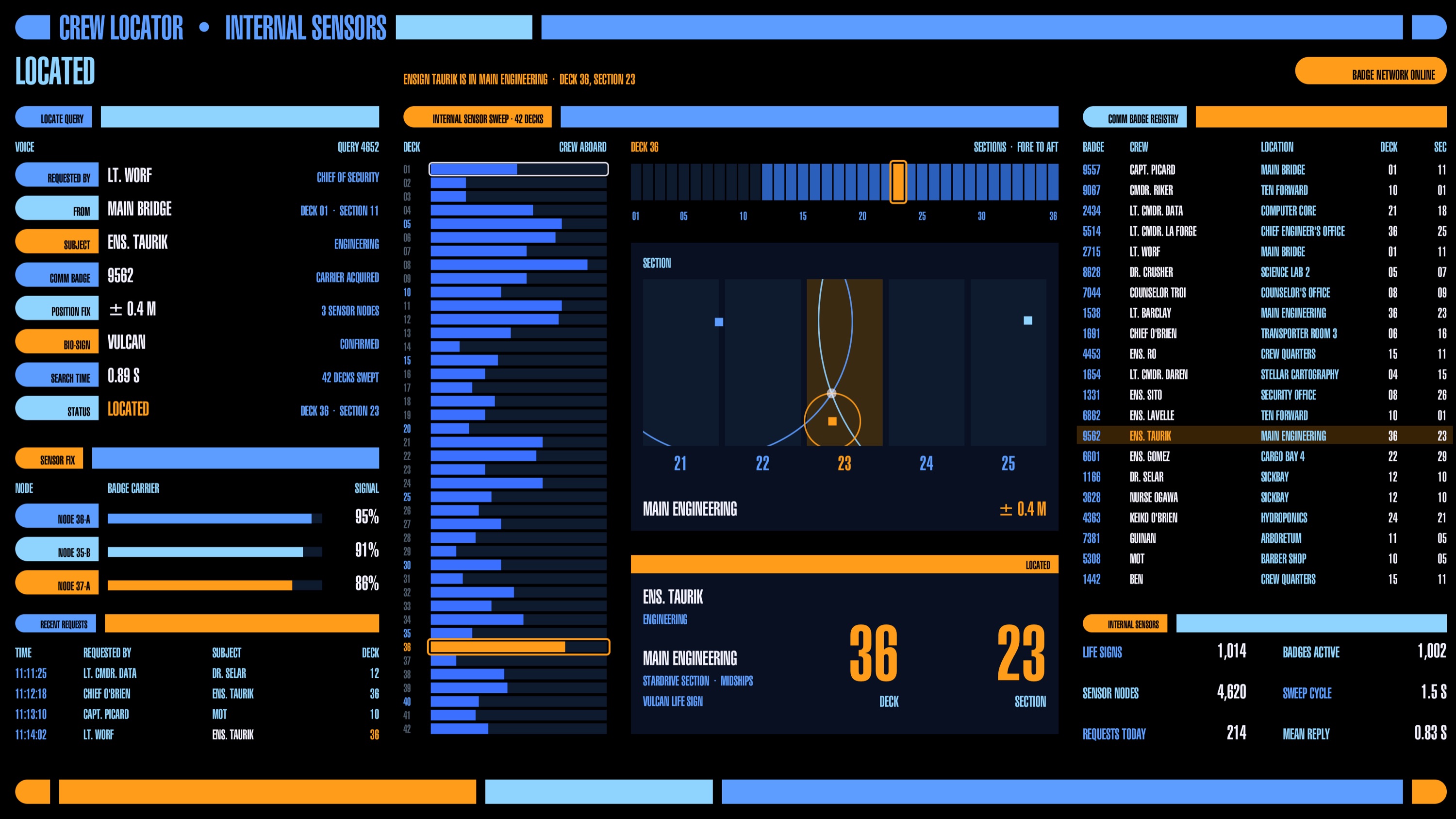
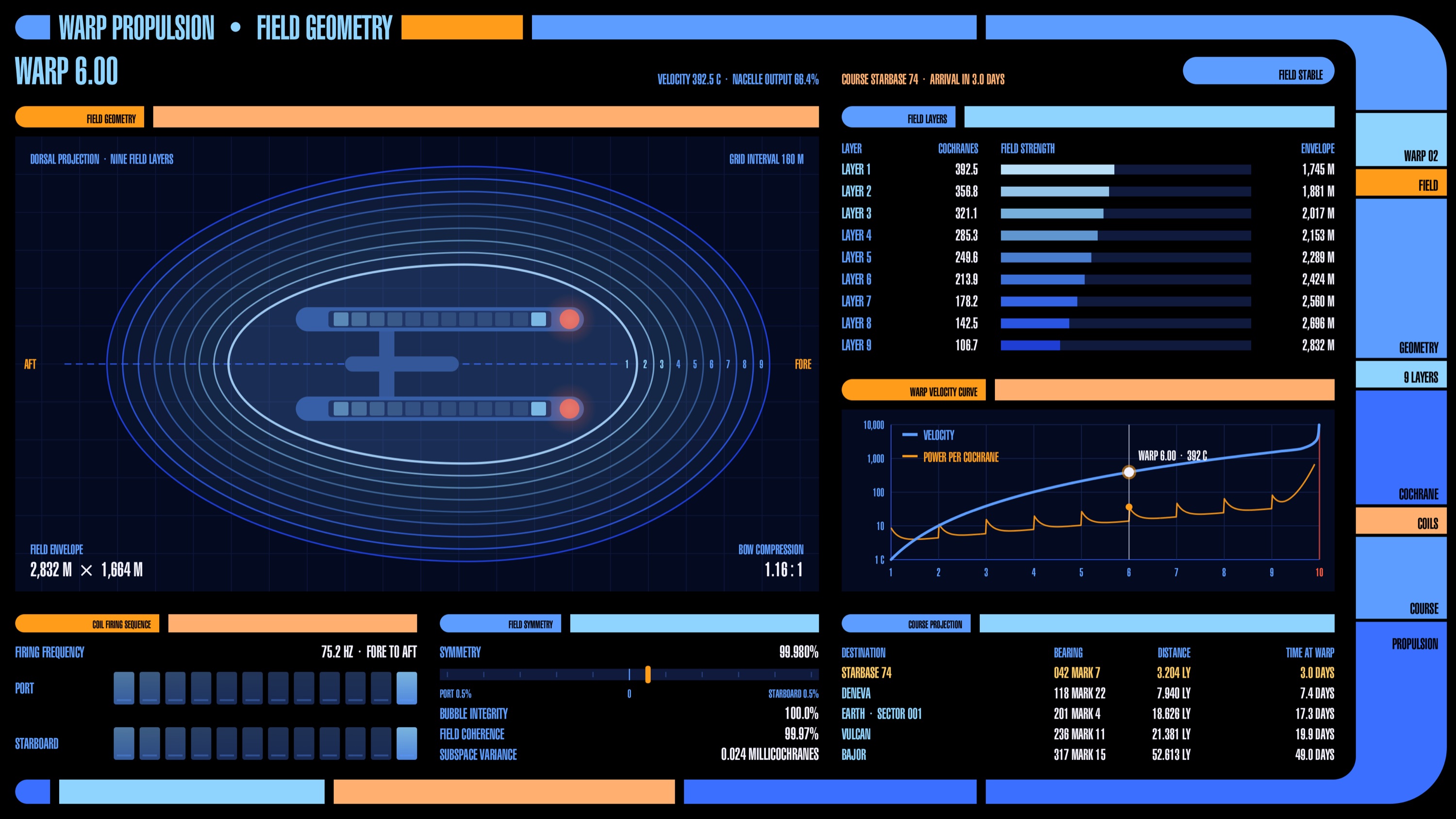
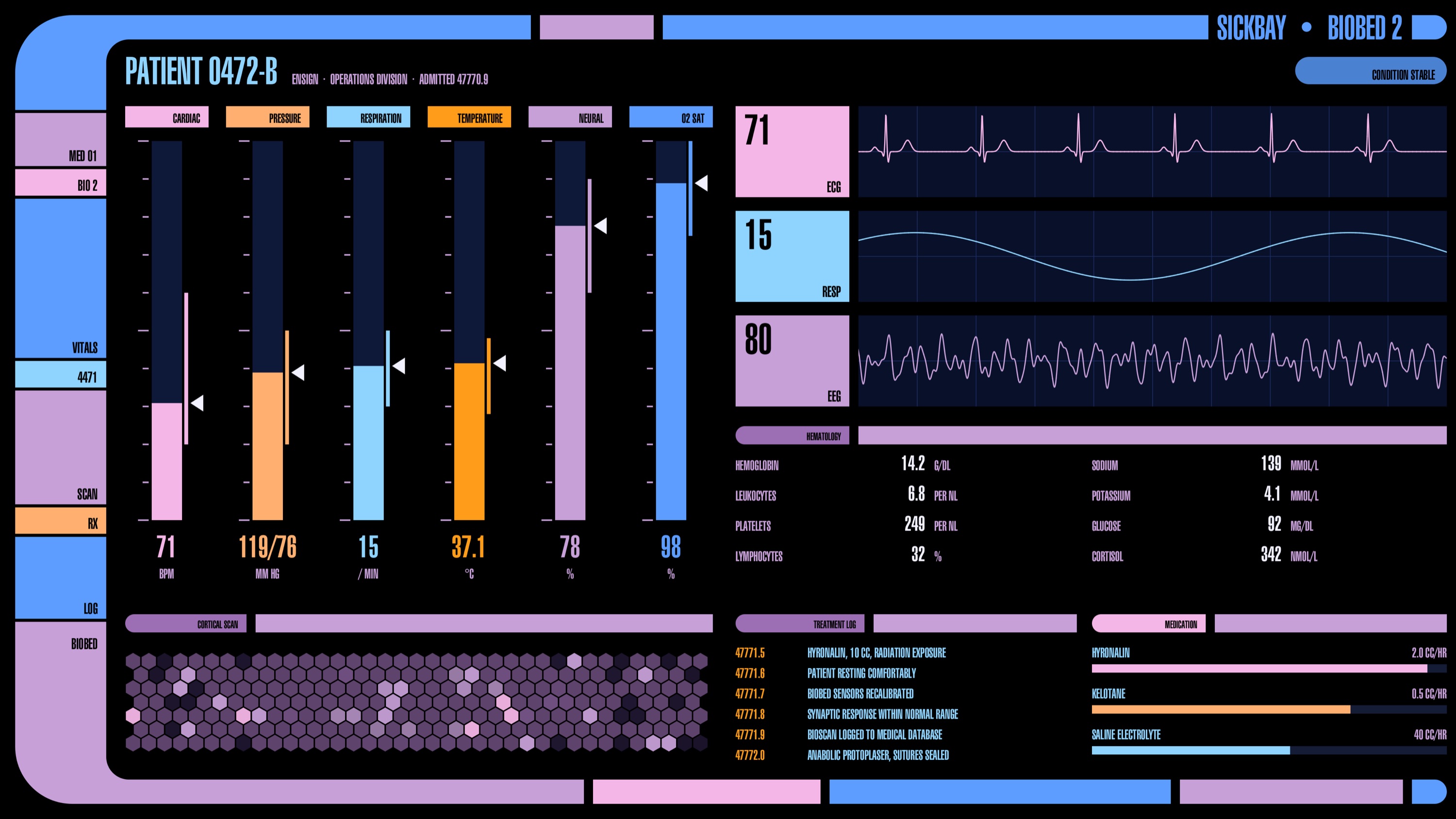
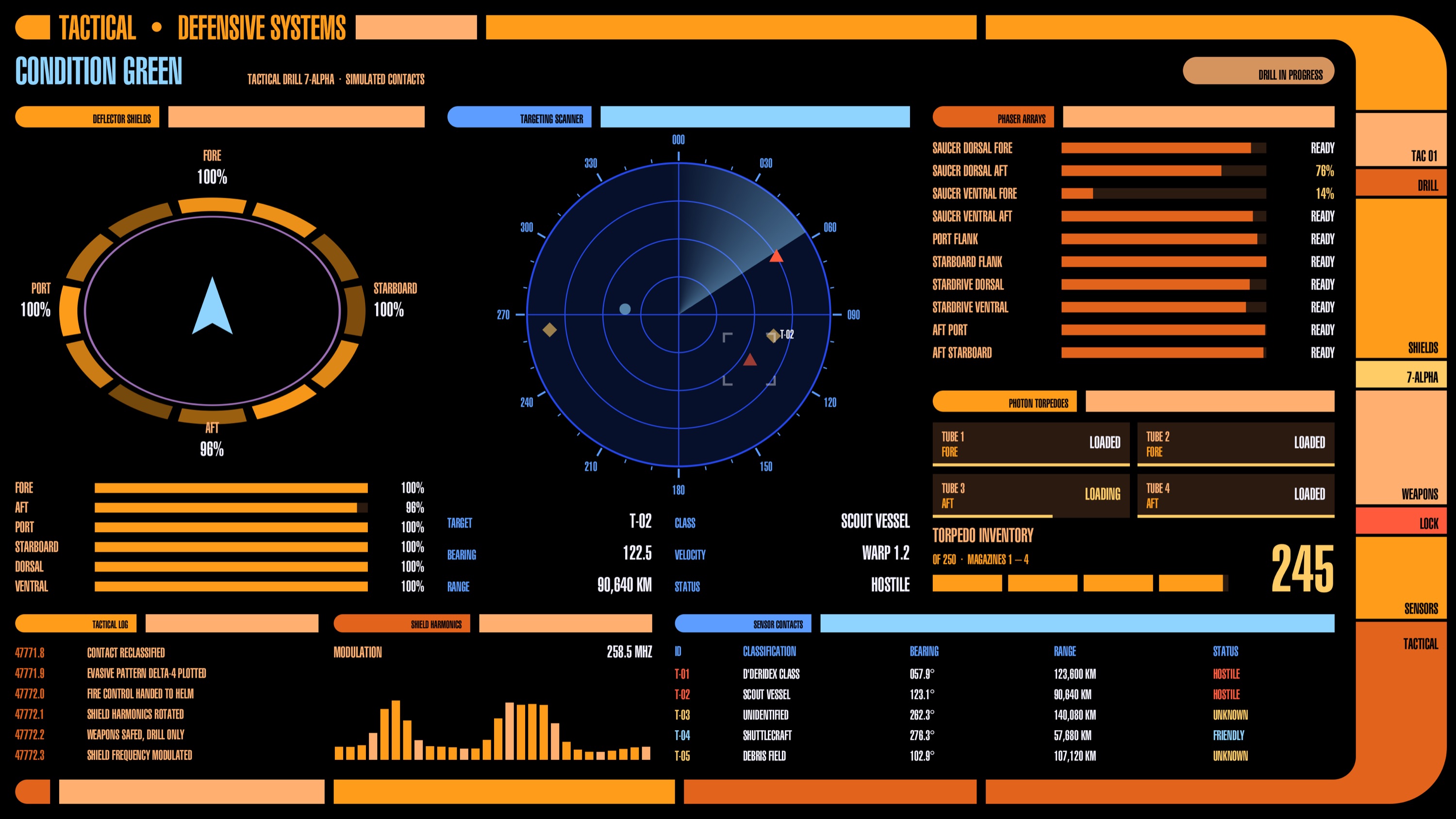
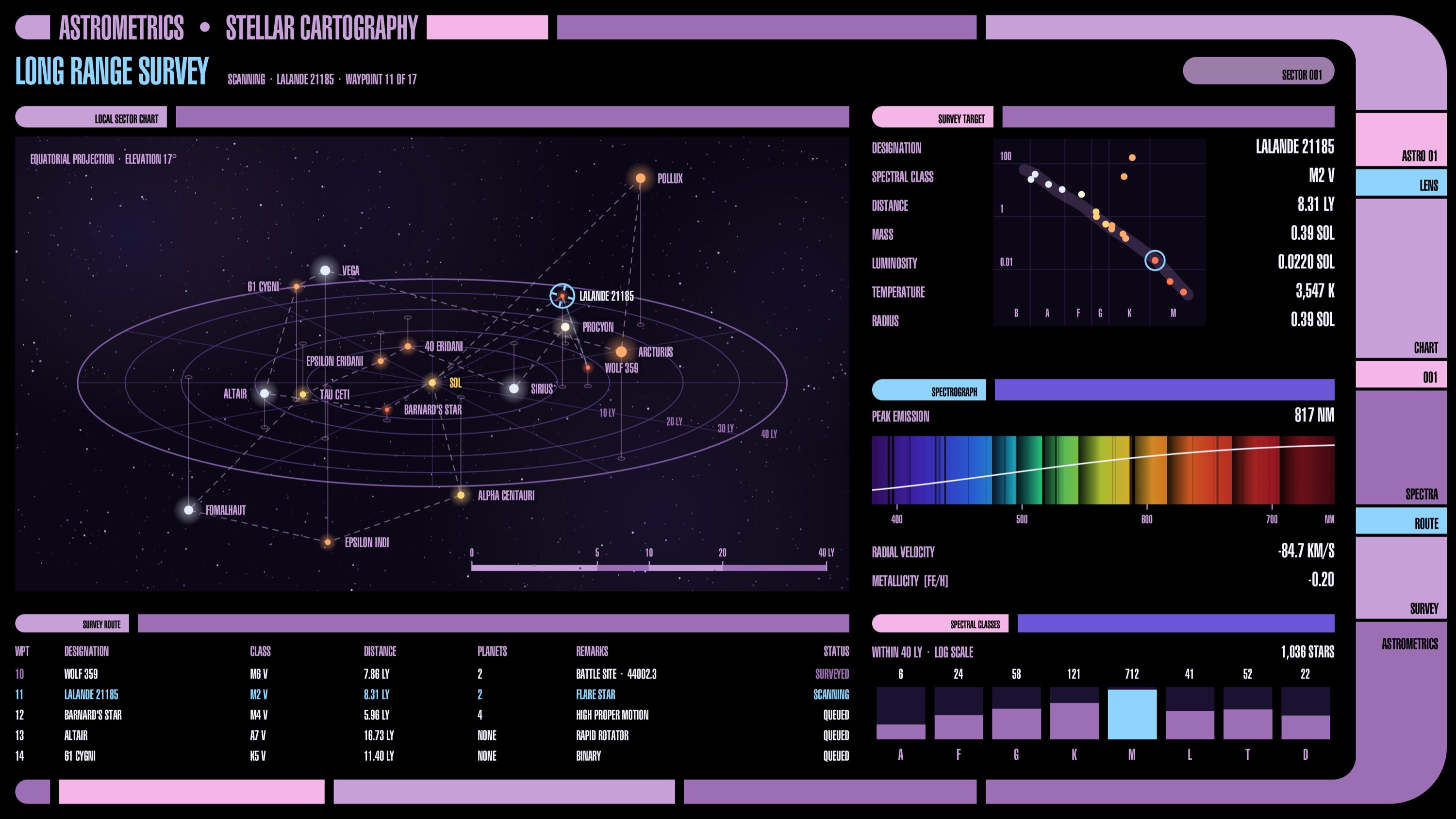
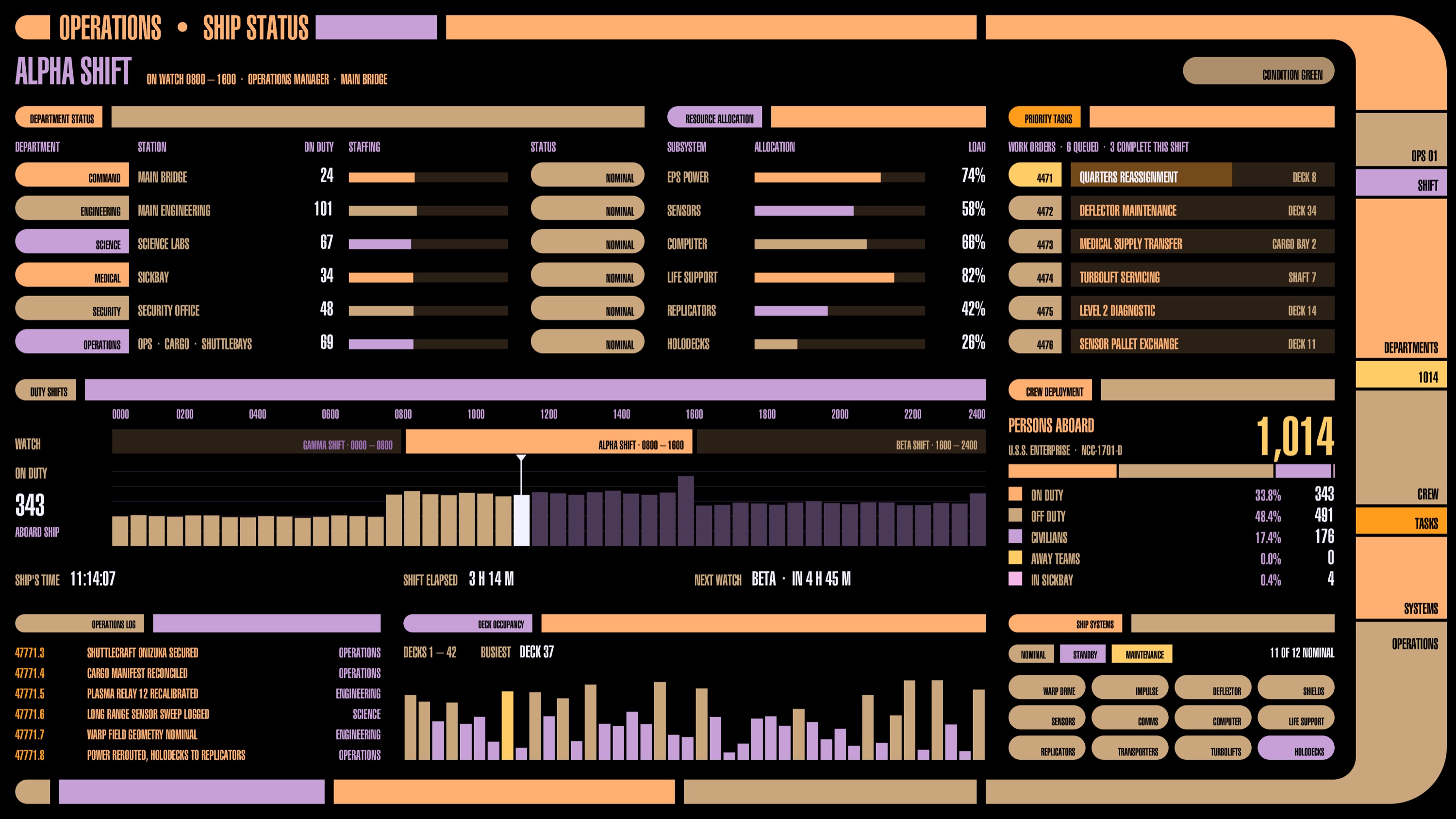
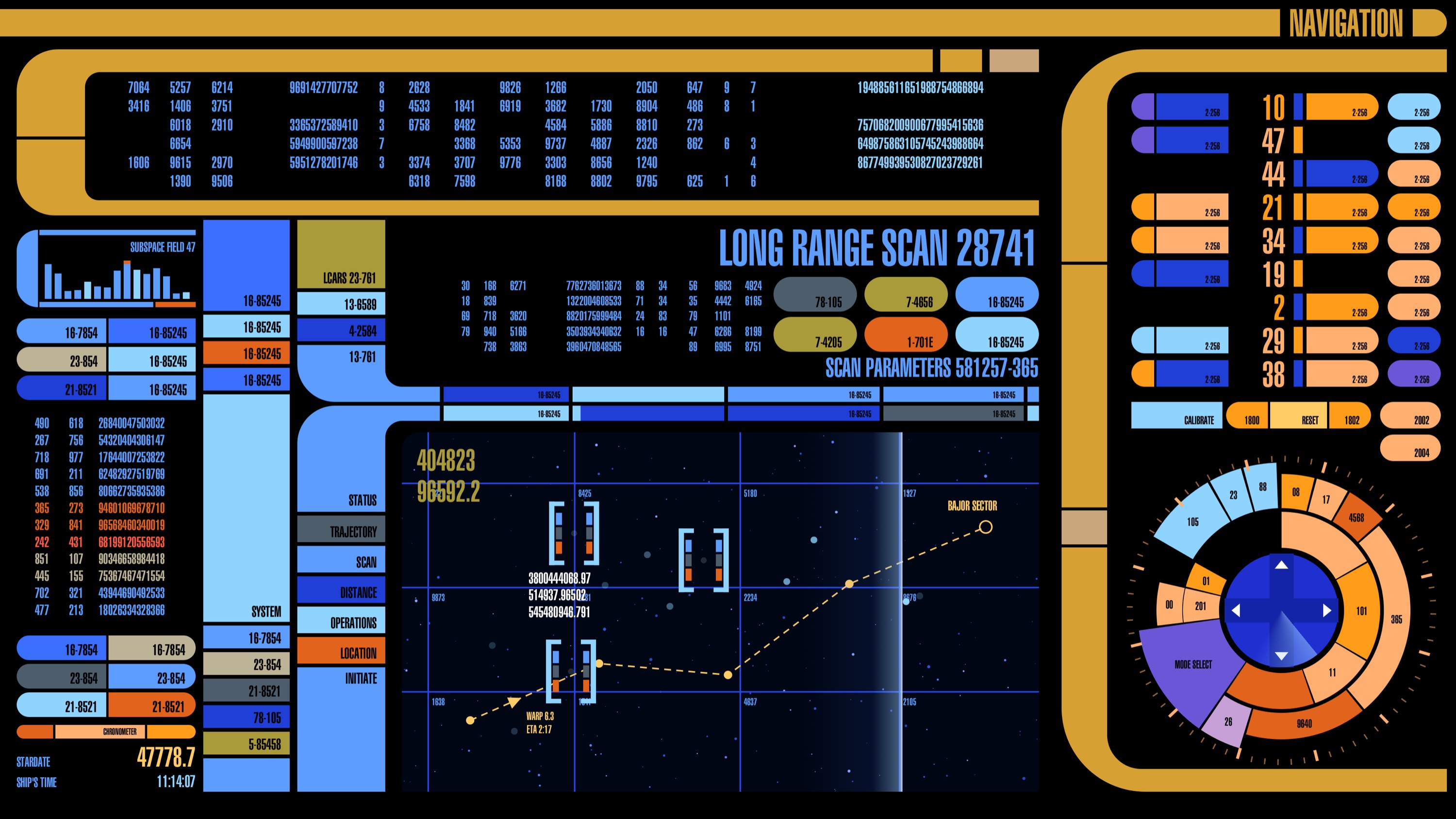
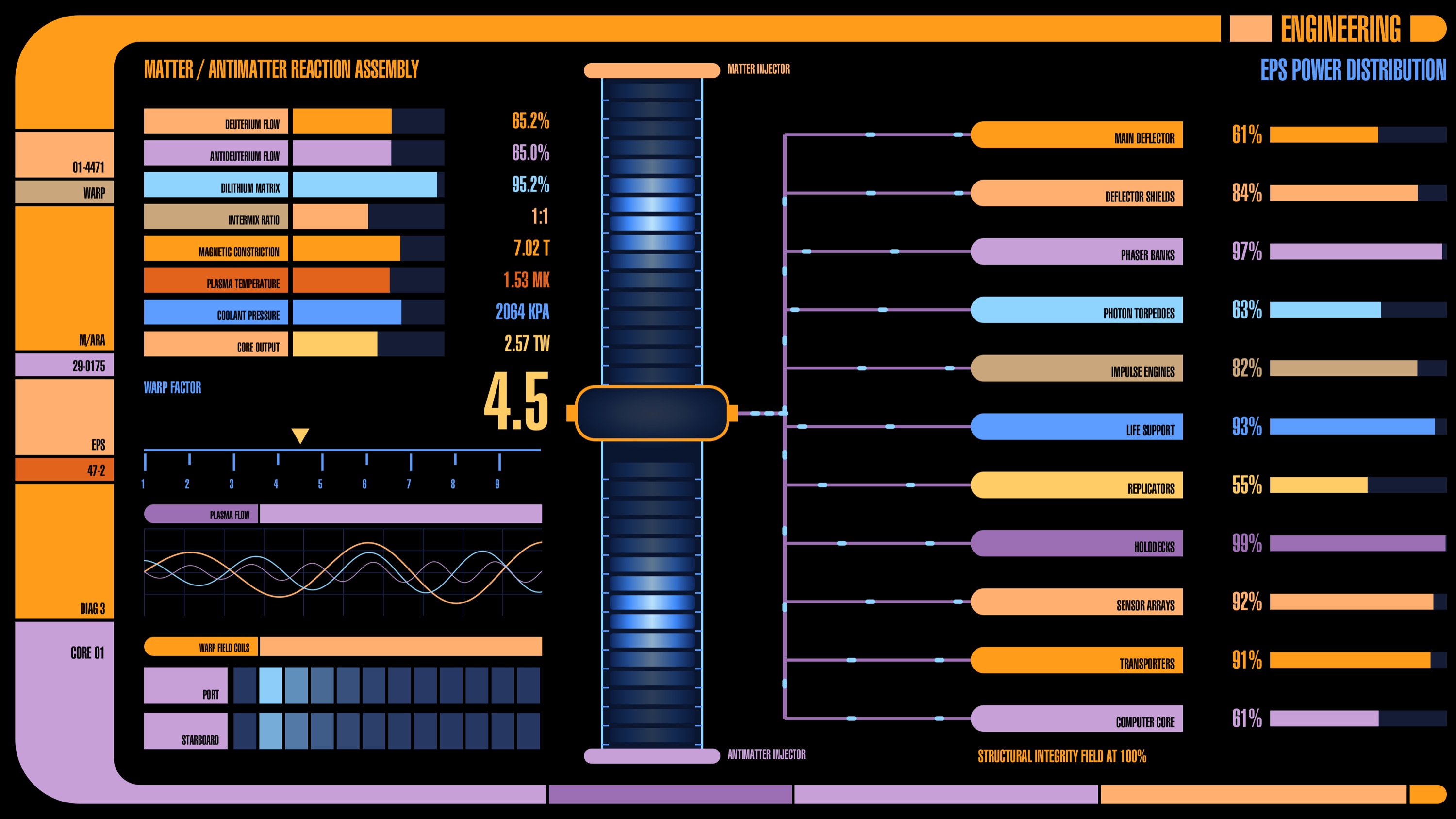
Shown as they render on a 6K display. Click any screen for the full size.
What you get
- 100 screens in seven departments: Bridge & Command, Engineering, Science, Medical, Operations & Crew, Tactical & Security, Navigation & Fleet.
- A different screen on each display, changing every 30 seconds to 10 minutes — or one screen of your choosing per display.
- The ship's engine hum, with a switch and a volume control.
- Starship Consoles Options, an app for choosing screens, departments and timing.
Installing
- Open the downloaded
StarshipConsoles-1.5-b154.dmgand drag Starship Consoles Options to Applications. - Open it once: it installs the screen saver for you. No password.
- Choose Starship Consoles in System Settings › Screen Saver.
Updates
Starship Consoles keeps itself up to date: once a day it checks for a new version and installs it quietly — no window, no password. Check for Updates… is beside the version number in Starship Consoles Options if you'd rather look now. The check reads a small update feed on Amazon S3 for the latest version number; nothing about you is sent, and nothing else in Starship Consoles uses the network.
Removing it
Delete these three, then log out and back in (~ is your home folder):
/Applications/Starship Consoles Options.app~/Library/Screen Savers/Starship Consoles.saver~/Library/LaunchAgents/org.edlings.starshipconsoles.update-check.plist